
PRICING
One version.
Built for everyone.
The same powerful Tagging for Windows for every user.
From individual productivity to shared organizational knowledge.
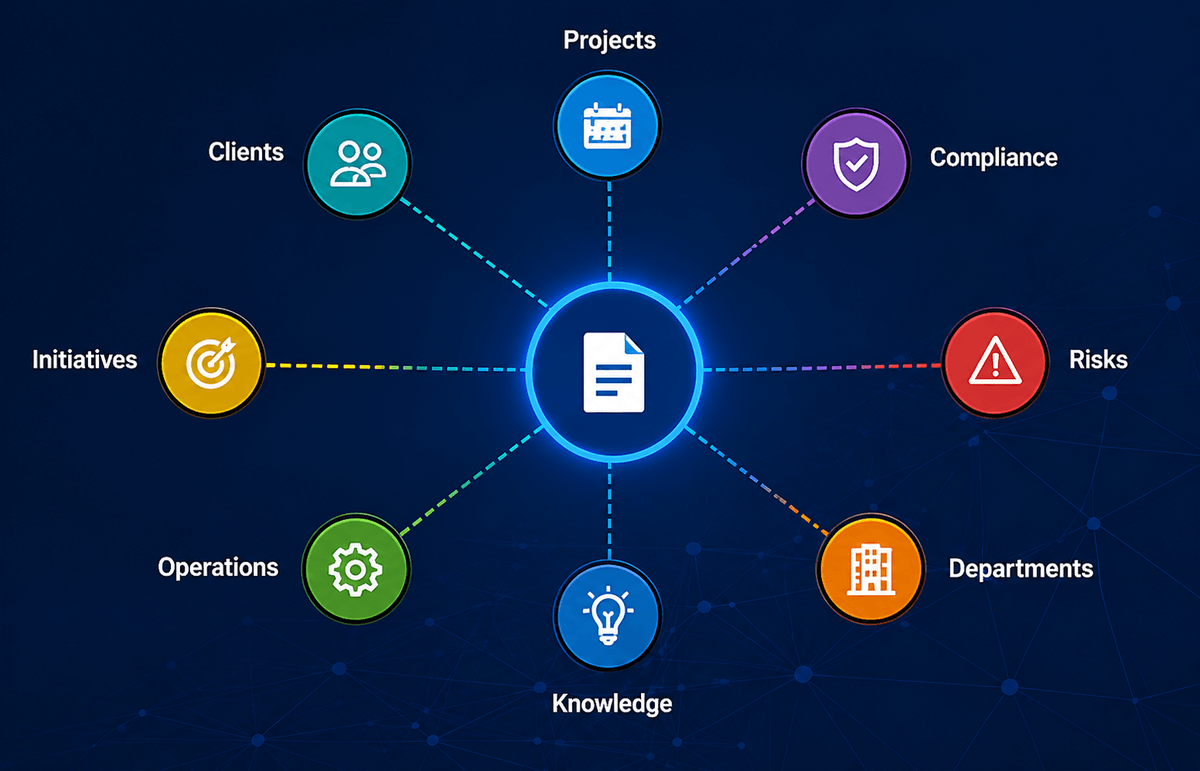
Simple pricing. One version. All the features.
Tagging for Windows has one complete version.
Choose the plan that matches the number of users in your organization.
All plans include the same powerful features.
Free License
For testing Tagging for Windows

Free
> Try all core features
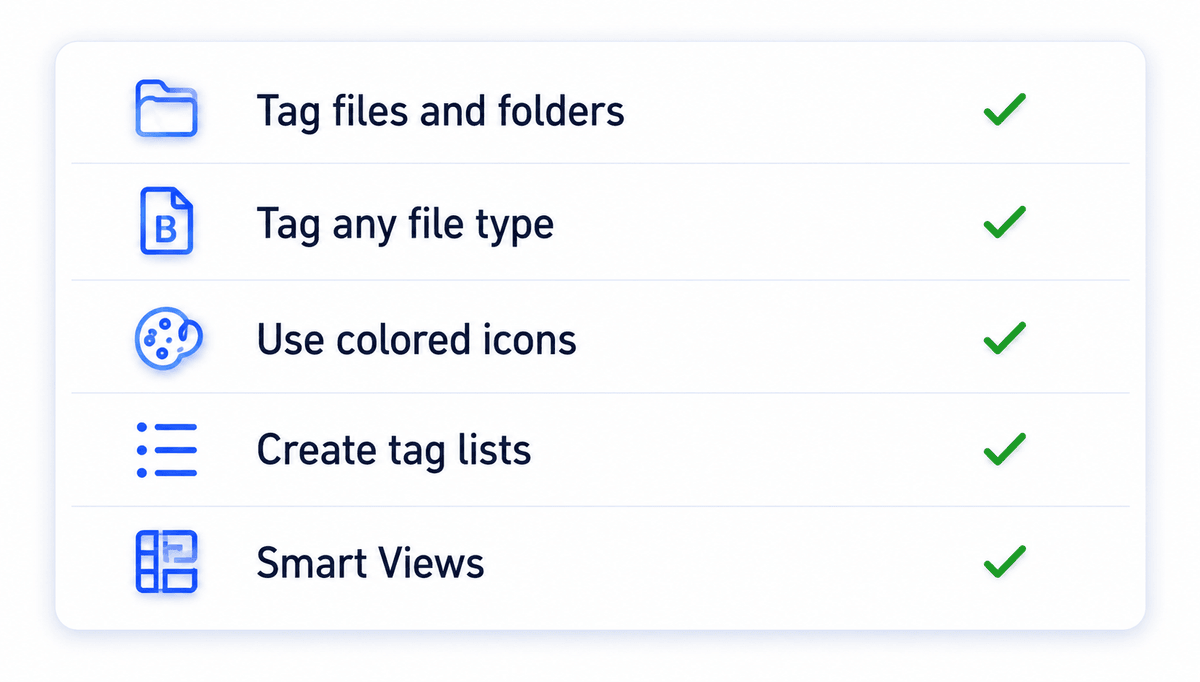
> Tag any file type
> Smart Views
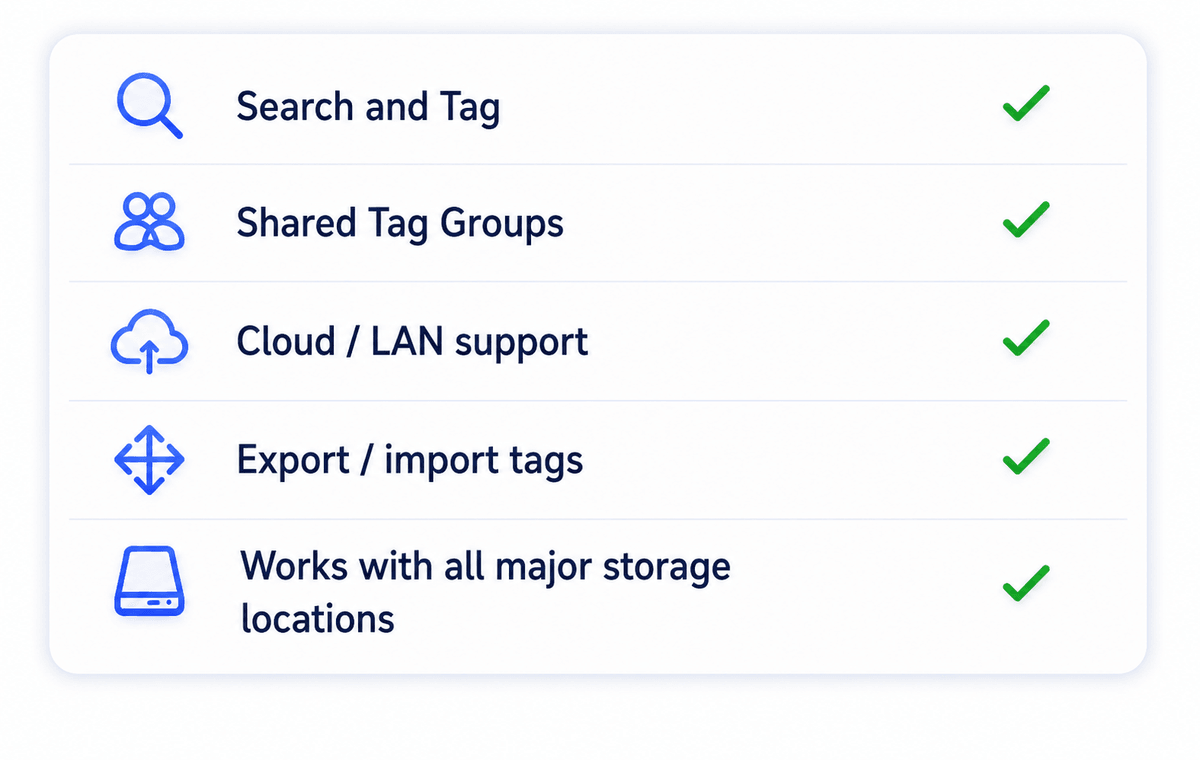
> Search and Tag
> Export / import tags
Recommended
Personal
For one user

€6,00 / month billed annually
or $6.50 / month
billed annually
> All features included
> For personal use
Business
For teams
3 - 100 users.

€5,00 / month billed annually
or $5.50 / month
billed annually
> All features included
> Shared Tag Groups
> Smart Views across teams
> Cloud /LAN support
Enterprise
For more than 100 users

Custom
> All features included
> Scalable for large organizations
> Implementation guidance
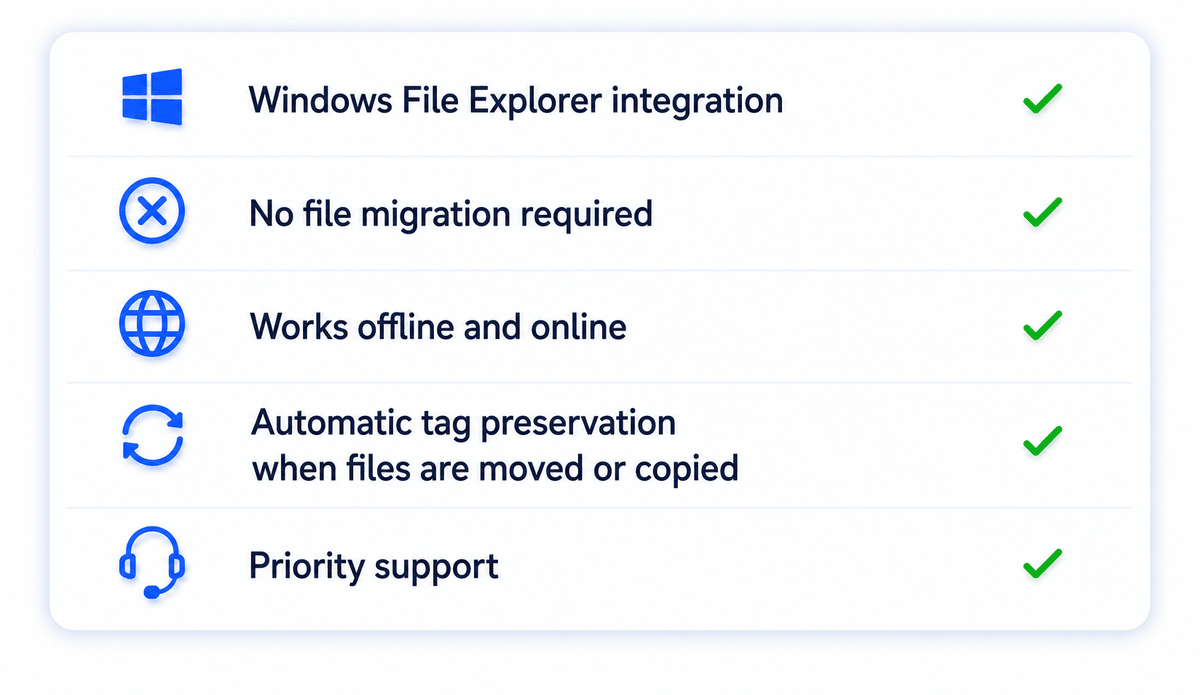
> Priority assistance

ADD-ON
Implementation Session
€ 82,00 per session
or $ 90.00 per session
A focused 1-hour session to help you set up your tagging strategy, speed up adoption, use Smart Views, and define measurable productivity gains.

SCHOOLS & UNIVERSITIES
Free licenses for education
Schools and universities can request free licenses to support students, teachers, and researchers in organizing digital information more efficiently.
EVERY PLAN INCLUDES THE SAME POWERFUL FEATURES
More than file organization. A second layer of context.
Find information faster
Retrieve files through meaningful context instead of remembering folder paths.

Reduce complexity
Eliminate duplicate folder structures and reduce organizational friction.

Build shared knowledge
Create a common language and consistent context across teams and departments.
FREQUENTLY ASKED QUESTIONS
Can I try Tagging for Windows for free?
Yes. You can start with a free license for 30 days. and explore the core functionality of Tagging for Windows before purchasing a subscription. If you need more time you can get another free license for 30 days.
The free license allows you to:
- Tag files and folders
- Search using tags
- Create Smart Views
- Import and export tags
This gives you a practical way to experience how tagging can simplify file organization and retrieval.
Do I need to migrate my files?
No.
One of the key advantages of Tagging for Windows is that it works with your existing folder structure.
There is no migration project, no database conversion, and no need to move files into a new document management system.
Simply install the software and start adding context through tags.
Is pricing billed annually?
Yes.
Personal and Business subscriptions are billed annually, providing a lower monthly equivalent price compared to monthly billing.
This approach keeps administration simple and allows us to offer the software at a more affordable rate.
Enterprise licensing is customized based on your organization's requirements.
What is included in the Implementation Session?
The Implementation Session is a focused one-hour consulting session designed to help you get maximum value from tagging.
Typical topics include:
- Designing an effective tagging strategy
- Defining tag categories
- Creating Smart Views
- Organizing team-wide tagging standards
- Improving search and retrieval workflows
- Planning adoption within your organization
The goal is to help you achieve faster results and avoid common implementation mistakes.
What happens when files are moved, copied, or renamed?
Tagging for Windows is designed to preserve your tagging information whenever possible.
When files are moved or renamed, tags remain associated with the file so you do not lose the context you have created.
This allows you to reorganize folders, archive projects, or move files between locations without having to rebuild your tagging structure.
Can teams share tags and Smart Views?
Yes.
Business and Enterprise plans support shared tags and Smart Views.
This allows teams to:
- Use a common tagging vocabulary
- Organize information consistently
- Create shared perspectives on the same files
- Reduce duplicate folder structures
- Improve collaboration across departments
Different teams can access information through the views that make the most sense for their work without duplicating files.
Does it work with OneDrive, Dropbox, iCloud, and Google Drive?
Yes.
Tagging for Windows works alongside the storage solutions you already use.
You can tag files stored in:
- OneDrive
- Dropbox
- Google Drive
- iCloud Drive
- Local drives
- Network drives
There is no need to migrate your files to a separate platform.
Why is Tagging for Windows different from a traditional folder structure?
Traditional folder structures force every file into a single location. As information grows, folders become deeper, navigation becomes slower, and different teams often want to organize the same information in different ways.
Tagging for Windows adds a second layer of organization.
Instead of relying only on where a file is stored, you can describe what a file is about using tags such as:
- Project
- Client
- Department
- Risk
- Version
- Status
- Compliance category
A single file can have multiple tags, allowing it to appear in multiple contexts without creating duplicates.
For example, a project manager may find a document through a project tag, while a finance team member finds the same document through a budget code tag.
The file stays in one location, but can be accessed through many different views.
This approach:
- Reduces dependence on complex folder trees
- Makes information easier to find
- Supports multiple ways of working
- Improves collaboration across teams
- Preserves existing folder structures
- Eliminates the need to duplicate files
Tagging for Windows does not replace your folders. It enhances them by adding a flexible layer of context that grows with your organization. This is why we call it a second layer of organization.
Can I use it on a LAN?
Yes.
Tagging for Windows supports local area network (LAN) environments, making it suitable for teams that store files on shared network drives.
Users can continue working with their existing file locations while benefiting from tagging, Smart Views, and enhanced search capabilities.
Start building your second layer today.
Download Tagging for Windows and start finding information through context instead of folder paths.
> No credit card required > Easy to install > Works in minutes
Connect Software B.V.
© 2025
Patent US9710477B2
Cookie Policy


